Magellan RoadMate 1.1 Europe edition
by ReCkA
Sadrži sve aktuelne mape za Evropu uzete iz iGO 1.1.1
[slika više nije dostupna]
[slika više nije dostupna]
Key Features
• OneTouch Favorites Menu
The award-winning OneTouch favorites menu lets you bookmark your favorite places and searches so you can easily find them.
• Spoken Street Name Guidance
Navigate confidently with spoken street names and directions at each turn, so you can keep your eyes on the road.
• Highway Lane Assist
Realistic highway signs guide you into the correct lane when approaching interchanges and exits.
• 3D Landmarks
Incredible 3D images of key landmarks show you the way with stunning visual cues.
• Address Book Integration
Easily navigate to contacts saved in your iPhone address book.
• In-App Music Control
Take advantage of seamless iPod integration. Navigate while listening to your music.
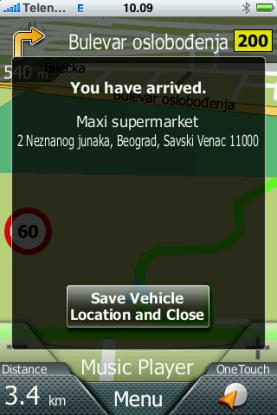
• Find Your Car
Automatically saves your parking location so you can easily find your way back to your car.
• Pedestrian Mode
With pedestrian mode you can quickly find and walk to a destination near your current location.
• QuickSpell Address Entry
Our highly-acclaimed QuickSpell® with SmartCity Search allows you to quickly enter addresses into the oversized keyboard, making entry quick and error free.
Attention iPhone 3G Owners
2D map view mode is not recommended for use on the iPhone 3G. Owners of iPhone 3G should use 3D and 3D+ map view only.
WHAT'S NEW IN VERSION 1.1:
• Now compatible with iPod touch 2nd Generation
• Customizable speed warnings
• Interactive POI on map, show POI detail with option to route to or call the POI
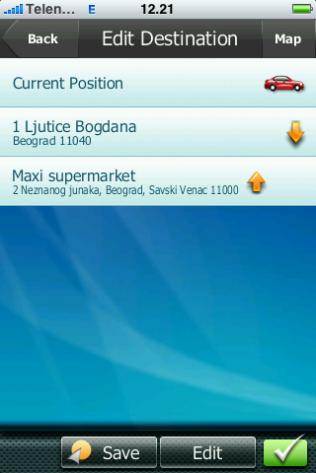
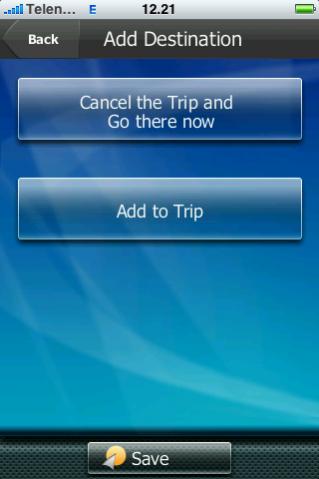
• Customizable, multi-destination routing
• Use the improved music player without leaving the Map screen
• Address entry improves routing to contacts in address book and sorts city options by distance
• Ability to plan a trip in simulation mode with up to 16X FF, Rewind, Pause and Next
• Find My Car now also in OneTouch menu
• Overall UI enhancements tailored to the phone navigation environment:
- Larger Back button, larger vehicle indicator
- Direct Map access button
- Larger placement of Music button
- Tap car icon to save “current location”
- Improved map panning
Download links:
Kod:
http://www.multiupload.com/3PJPFR65P3
http://www.multiupload.com/W3CNI1KGQV
http://www.multiupload.com/730PG4KHU8
http://www.multiupload.com/7LNSQQOUHE
http://www.multiupload.com/CWP4M1NE0H
http://www.multiupload.com/ZL9DFLNXHO
http://www.multiupload.com/AOVGPBJFEL