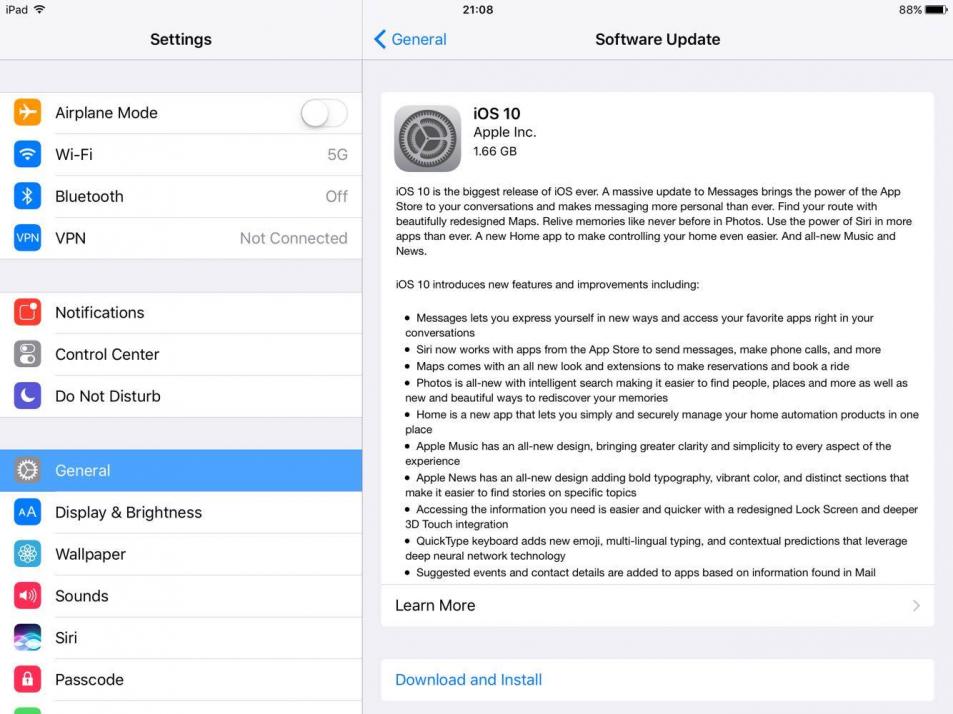
Download the final version of iOS
If you have an iOS beta version and want to download the final version, follow these steps:
1. Connect your device to iTunes.
2. While your device is connected, force it to restart. Press and hold the Sleep/Wake and Home buttons at the same time. Don't release when you see the Apple logo. Keep holding until you see the Recovery Mode screen.
3. When asked, choose Update to download and install the latest nonbeta version of iOS. ***An update install won't affect your content or settings***
https://support.apple.com/en-us/HT203282
Jos jedan info: To get a shipping release of iOS on your iPhone, iPad, or iPod touch, you can simply install the final version of the software you are testing when it appears in Software Update