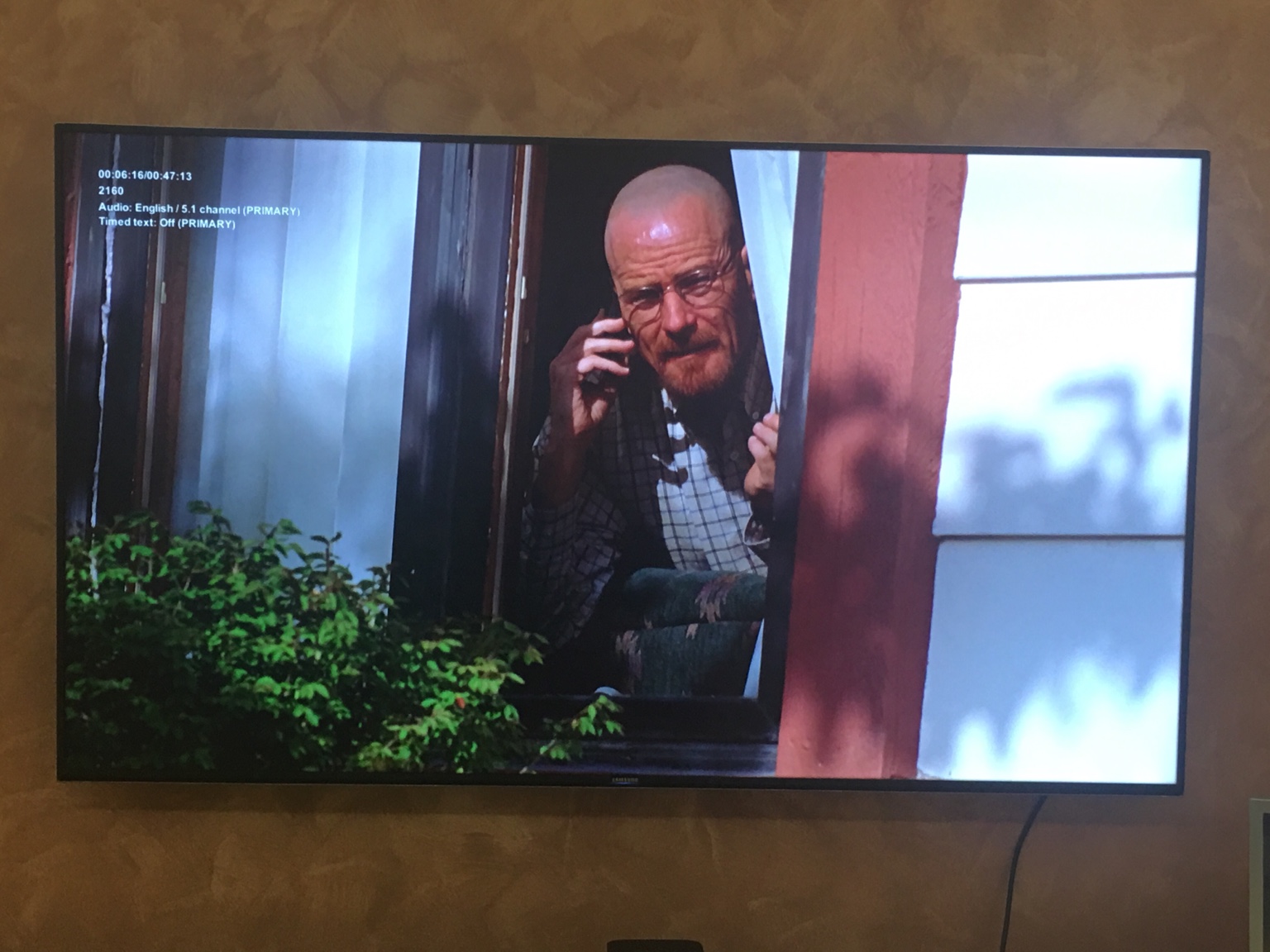
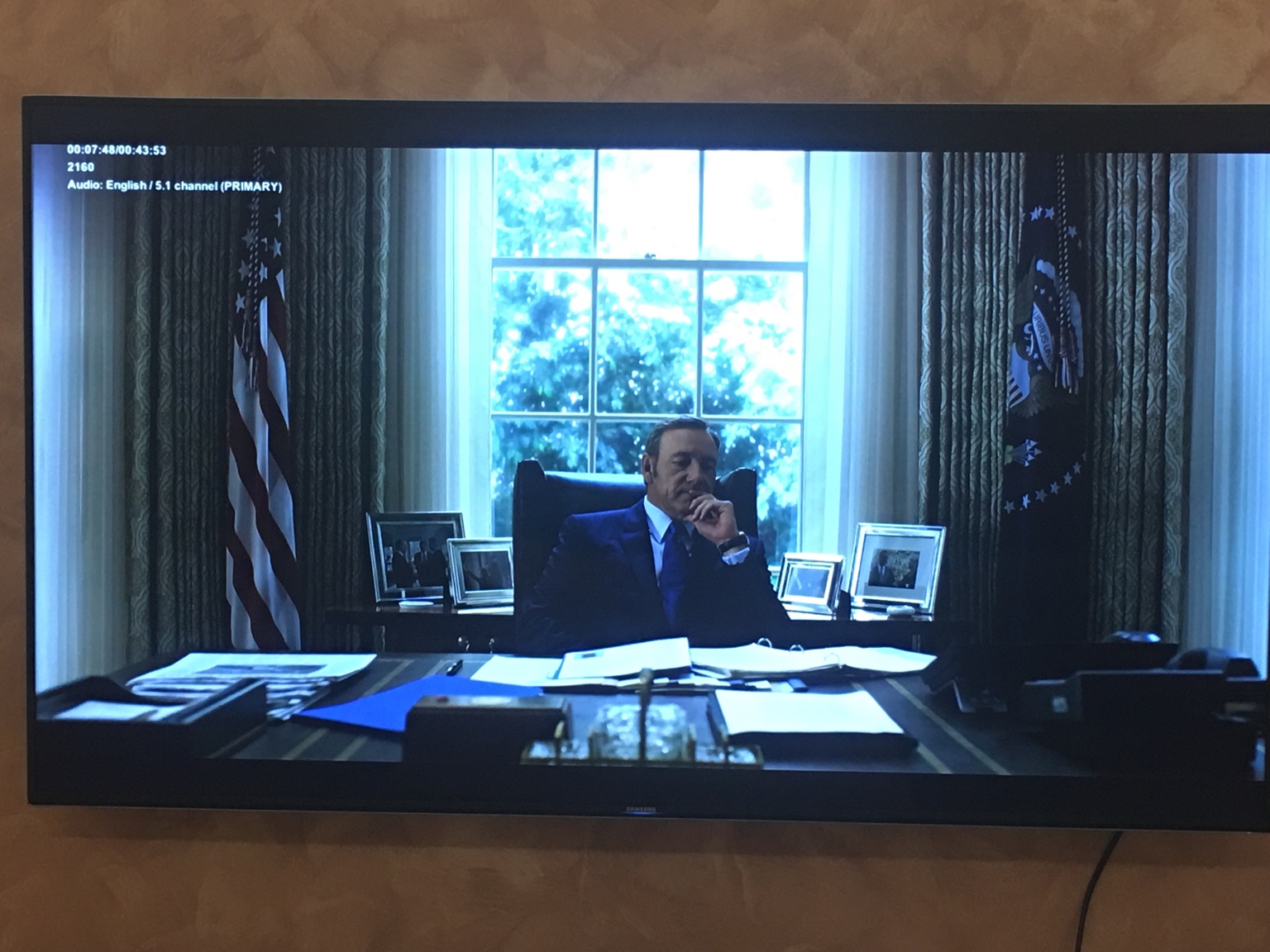
to da,to zbog prava.Ali opet moras i taj smart dns da platis,pa kad sracunas odes na 14 eura mesecno ako sam placas.A to sve imas na Plexu za 3 funte plus kazem ti mnogo bolje i netreba ti smart dns.
Dobro je druze, shvatili smo da imas 4K...iskuliraj
dzabe 4k,kad jos nema nista u 4k formatu ako ima 3 filama i 1 serija,na satelitu tek po 2 ili 3 kanala + ti treba satelitski resiver koji ce da obradi 4k uhd.Neverujem da netflix ima u ponudi 4k snimak filma ili serije.A cena televizora pada samo tako imate dobar 4k od 500e pa nagore.
mislim da je pravi 4k u rezoluciji: 3840 ,a tamo je na tv-u 2160 i to se smatra nekim 4k-a ali sta znam
* Press the ‘Smart’ button on your remote control. The Smart Hub should appear on screen.
* Press the following sequence of keys on your remote, in order: ‘Fast Forward, 2, 8, 9, Rewind’.
* The region menu should appear. Select a region which includes Netflix as a default app, such as the United States.
* Agree to the terms and conditions and allow the Smart Hub to restart.
* After restarting, the Smart Hub should begin to download the default apps, including Netflix.
For post-2013 ‘F’ and ‘H’ series Samsung Smart TV models:
1. Press the ‘Source’ button on the remote control and select ‘TV’.
2. Press ‘Menu’ on the remote, select ‘System’ on the on-screen menu and enter the sub-menu.
3. Select ‘Setup’ and scroll through the information until you reach the ‘Terms & Conditions’ page.
4. While on the ‘Terms and Conditions’ page, press the following sequence of keys on your remote, in order: ‘Mute, Return, Volume +, Channel Up, Mute’.
5. Select a region which includes support for the Netflix app, such as the United States.
6. Proceed to complete the setup.