
E tek sad imam problem ovaj MacBook Pro od drugara nece da digne sistem, evo sta se desilo uzeo sam svoj external hhd i nakacio na Mac na hdd se nalazila instalacija Ml i myHack . Prebacio sam ta dva file u jedan folder i kad sam pokuso da nadje te fajlove nisu bili u taj folder, fino sam ga restartova misleci da se pogubio ali nije mogo da digne sistem. Evo slike a ova ikonica stalno treperi nekih 5 min i onda se ugasi Mac. Jel zna neko sta sam mu uradio.?! 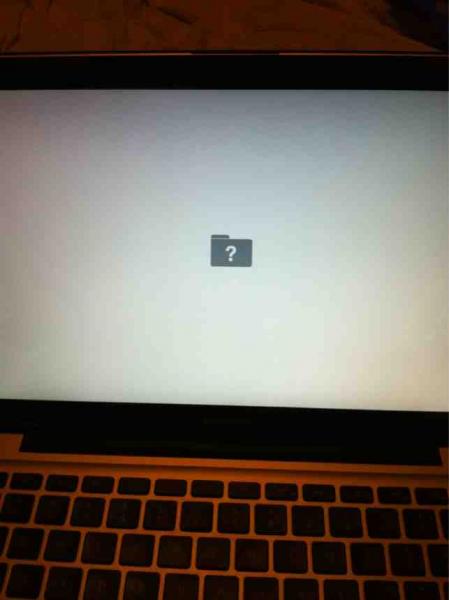 SMC RESET
PRAM RESET
SMC RESET - Shut down the computer.
- Plug in the MagSafe power adapter to a power source, connecting it to the Mac if its not already connected.
- On the built-in keyboard, press the (left side) Shift-Control-Option keys and the power button at the same time.
- Release all the keys and the power button at the same time.
- Press the power button to turn on the computer.
PRAM RESET
- Shut down the computer.
- Locate the following keys on the keyboard: Command, Option, P, and R. You will need to hold these keys down simultaneously in step
- Turn on the computer.
- Press and hold the Command-Option-P-R keys. You must press this key combination before the gray screen appears.
- Hold the keys down until the computer restarts and you hear the startup sound for the second time.
- Release the keys.
- Sve ovo sam probo ali nemam mu pomoci jel zna neko sta dalje .
